
There is nothing more frustrating thanhaving a brilliant research paper rejected not because of the science, butbecause the margins were 0.1 inches too narrow.
"Desk Rejection" due toformatting violations is a real threat in academic publishing. Conferenceorganizers deal with thousands of submissions; they do not have time to fixyour fonts or align your columns. If your paper doesn't look like the others,it is often discarded immediately.
The Golden Rule: Never start writing on a blank page. Always start with the officialtemplate.
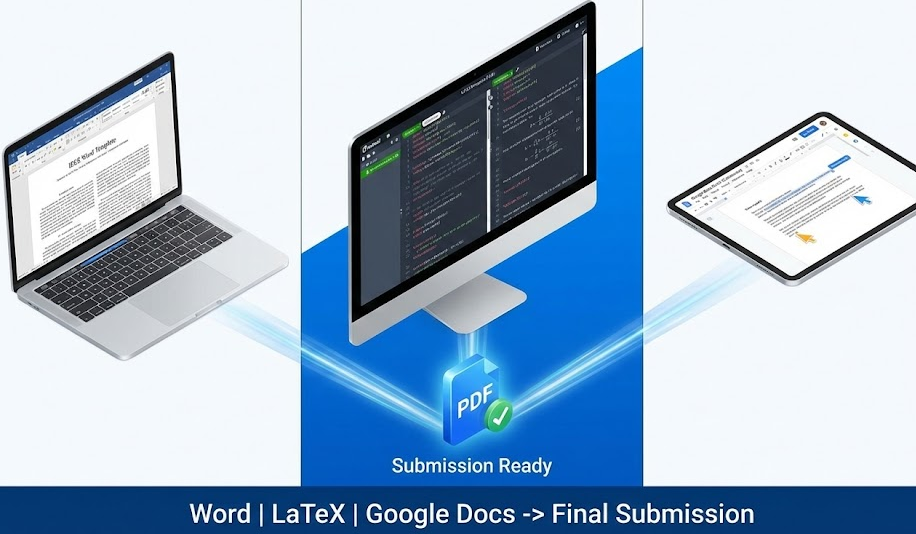
Below is your curated guide to the bestfree templates for the major academic publishers, available in Word, LaTeX,and Google Docs.
1. The "Standard" Option:Microsoft Word Templates
For many researchers, especially in thehumanities, social sciences, and some engineering disciplines, Microsoft Wordremains the standard.
Pros: Easy to use; familiar interface;"Track Changes" is excellent for editing.
Cons: Handling complex mathematicalformulas or bibliography management (BibTeX) can be frustrating; figures oftenjump around the page.
Official Downloads:
2. The "Pro" Option: LaTeXTemplates
For Computer Science, Physics, andMathematics, LaTeX is not just an option; it is often a requirement. It handlescomplex equations, numbering, and citations automatically.
Pros: Perfect typesetting; handles mathbeautifully; separates content from formatting.
Cons: Steep learning curve; requirescompiling code.
Official Downloads (Overleaf):
We recommend using Overleaf, theonline LaTeX editor. It comes with these templates pre-loaded, so you don'tneed to install software.
3. The "Collaborative" Option:Google Docs
Google Docs is becoming popular for the draftingphase because multiple authors can write simultaneously. However, mostconferences do NOT accept Google Docs links. You must export to PDF or Wordbefore submitting.
Warning:Google Docs struggles with the strict 2-column formatting required by IEEE. Usethis for drafting text, but move to Word/LaTeX for final formatting.
How to Set Up:
4. Common Formatting Traps to Avoid
Even with a template, you can break therules. Check these three things before exporting your final PDF:
Conclusion
A template is your safety net. It ensuresthat when a reviewer opens your paper, they aren't looking at your margins—theyare looking at your ideas. Download the correct template for your targetconference today, and start your writing process on the right foot.
Image Generation Prompt
Prompt: Aclean, split-screen composition showing the three stages of academic writing.On the left, a Microsoft Word interface with a structured 2-column paper. Inthe middle, a dark-mode code editor showing LaTeX syntax. On the right, aGoogle Docs interface with collaborator cursors. All three merge into a single,glowing PDF icon in the center labeled "Submission Ready."Professional, blue and white color scheme, isometric style.